

How to Modernize Branch Kiosks Without Disruption


A branch kiosk that is unavailable at 8:30 a.m. can create more than a service issue. It can redirect customers to a teller line, strain branch staff, and reinforce the perception that self-service is unreliable. That is why how to modernize branch kiosks is not simply a hardware refresh question. It is an operating-model decision involving applications, network design, security controls, support coverage, and the actual transactions customers need to complete.
For banks with aging self-service estates, the pressure is familiar. Older devices may be difficult to patch, dependent on retiring operating systems, poorly integrated with current digital channels, or expensive to keep running because of recurring component failures. But replacing a kiosk without addressing its surrounding infrastructure can exchange an old problem for a newer, more expensive one.
Start with the kiosk’s job in the branch
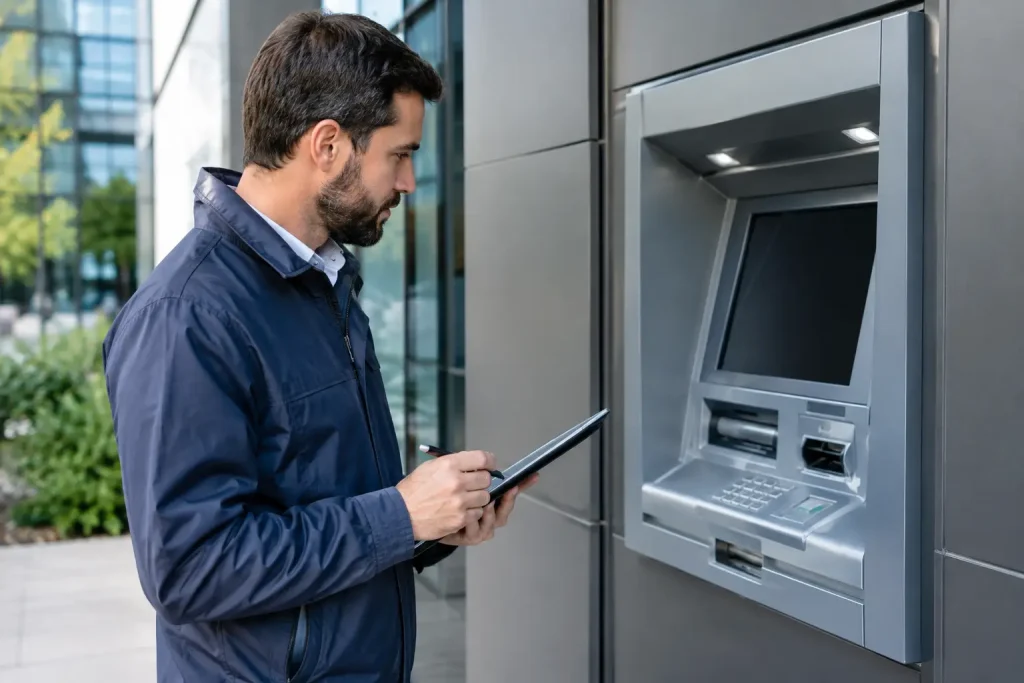
The term branch kiosk covers very different equipment. A check-in terminal, a card-issuance unit, an account-service kiosk, a video-enabled advisory station, and an ATM or interactive teller machine may share a physical location but have different risk profiles, availability requirements, and support needs.
Modernization starts by defining what each device is expected to do. Is it intended to reduce routine teller activity, support digital account servicing, extend hours for cash access, route customers to the right employee, or provide a fallback when the branch is lightly staffed? A device that handles balance inquiries and appointment check-in can tolerate a different recovery process than one dispensing cash or issuing payment cards.
This distinction matters because utilization data often reveals a mismatch between intended and actual use. Some kiosks are underused because their transaction set is too narrow. Others attract significant traffic but remain constrained by slow authentication, awkward user flows, or a lack of integration with core banking and customer relationship systems. Modernization should address the source of that gap, not merely install a newer screen.
Build a baseline before selecting equipment
A reliable business case needs more than an inventory count. Operations teams should document the installed base by model, age, operating system, peripheral configuration, software version, warranty status, and communications method. They should also capture failure history by component and location, including repeat dispatches, mean time to repair, cash-related incidents where applicable, and periods of customer-facing downtime.
The location context is just as important. A kiosk in a high-volume urban branch has different environmental exposure, transaction peaks, and staffing support than one in a low-volume rural location. Connectivity quality, power stability, accessibility requirements, physical sightlines, and lobby security all influence the design choice.
This baseline helps separate equipment problems from operational problems. A high outage rate may point to aging card readers or printers, but it may also reflect unstable network connectivity, delayed parts replenishment, weak remote diagnostics, or unclear ownership between the bank, managed-service provider, and software vendor. Replacing the terminal alone will not correct those conditions.
How to modernize branch kiosks in layers
A phased approach is generally less disruptive than treating modernization as a single replacement event. The first layer is the physical platform: display, processor, enclosure, accessibility features, cash modules or card peripherals where relevant, and the serviceability of major components. Modular hardware can reduce future replacement costs, but only if the bank has a practical plan for spare parts, technician training, and vendor support life.
The second layer is the software stack. Kiosks should run on supported operating systems with disciplined patch management, application monitoring, and a controlled release process. This is particularly relevant for fleets still carrying legacy Windows versions or custom applications that cannot be updated without extensive regression testing.
The third layer is integration. A modern kiosk should not become an isolated channel with its own customer data, transaction rules, and exception handling. Depending on its role, it may need to connect to identity and authentication services, core systems, card platforms, appointment tools, document workflows, video assistance, and customer messaging platforms. Each connection adds value, but it also adds testing requirements and potential failure points.
The final layer is operations. Remote monitoring, alert prioritization, software distribution, audit logs, and a clear incident process often determine whether a fleet delivers its expected availability. A sophisticated device with limited telemetry can be harder to manage than an older terminal with well-understood diagnostics.
Design for serviceability, not just the showroom floor
Branch equipment is often evaluated in a controlled demonstration environment. Field performance is different. Technicians need reasonable access to replace common failure components. Branch staff need clear procedures for basic recovery actions. Help desks need accurate status information before deciding whether to dispatch a technician.
Serviceability should be evaluated during procurement and pilot testing. Teams should ask how quickly common components can be replaced, whether diagnostics identify the likely cause of failure, how software logs can be retrieved, and which repairs can be performed without taking the kiosk out of service for hours. If the platform depends on a limited supply of proprietary parts or specialized field skills, that dependency should be priced into the lifecycle model.
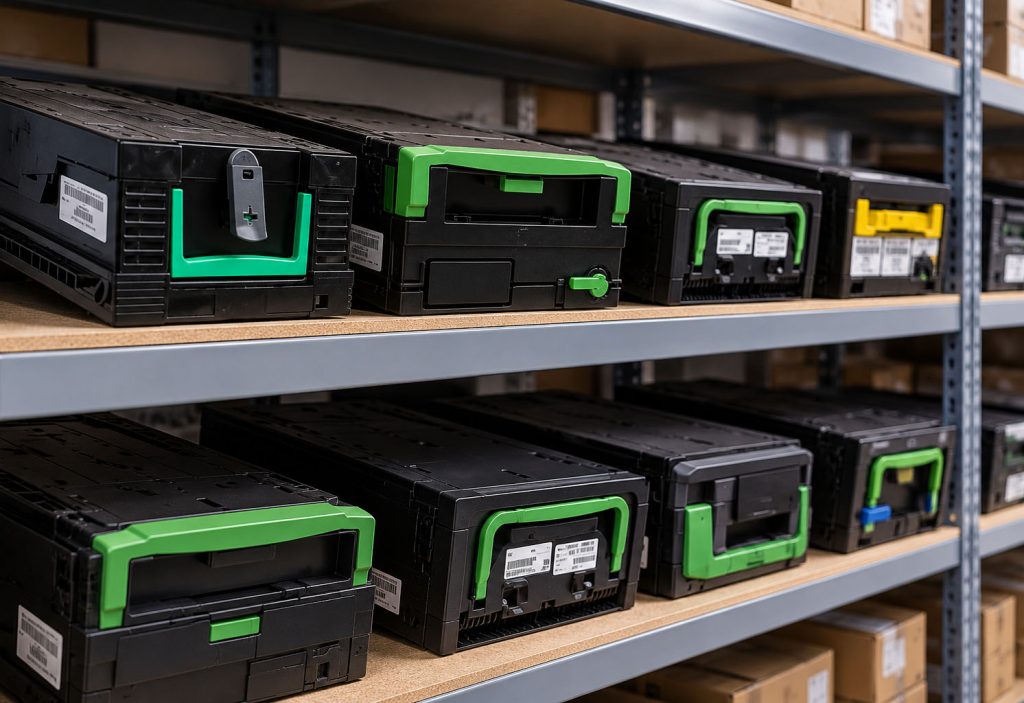
For cash-enabled devices, the analysis extends to cassette handling, note quality, reject-bin capacity, replenishment workflows, and dispute investigation. A modernization project that raises transaction volume may also change cash forecasting and armored-car scheduling. Those downstream effects should be included in deployment planning rather than discovered after rollout.
Treat security and accessibility as design requirements
Kiosks are endpoints exposed to the public, which makes security a continuous operational discipline rather than a one-time implementation task. The environment should include hardened configurations, restricted administrative access, endpoint monitoring, encryption for sensitive data, segmented network connectivity, and a documented patching process. Physical protections matter as well, including tamper detection where appropriate, secure cabinet access, camera coverage, and placement that does not compromise customer privacy.
The balance between security and usability requires judgment. Stronger authentication can reduce fraud exposure but may increase abandonment if customers cannot complete a simple task quickly. Video support can help with complex transactions, yet it introduces bandwidth, privacy, staffing, and escalation considerations. The right design depends on the transaction type and risk exposure, not a default preference for more features.
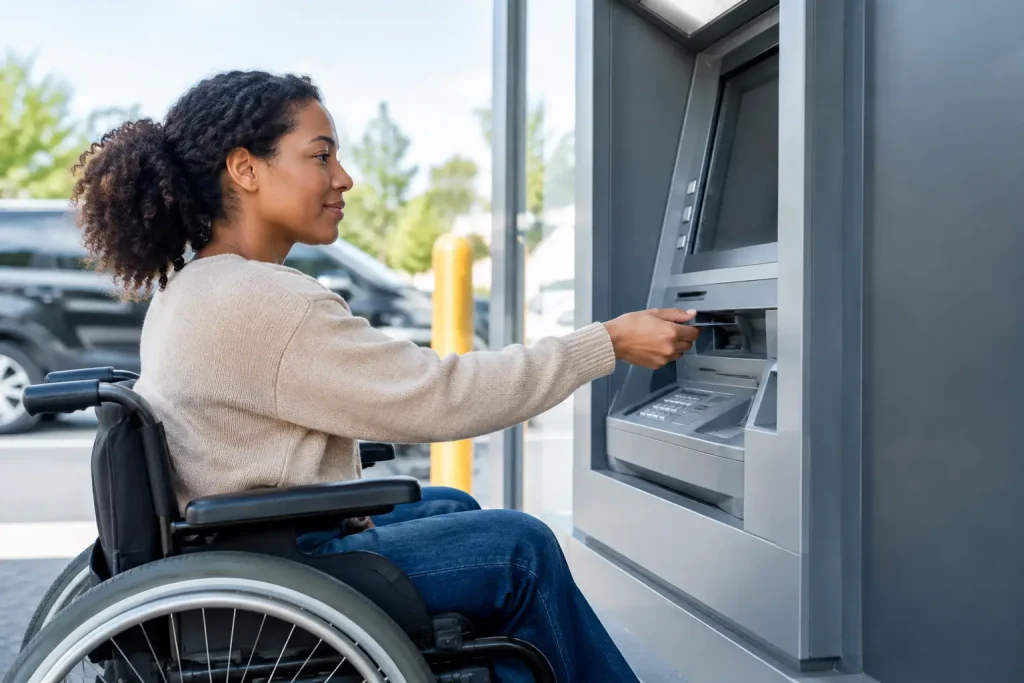
Accessibility should be assessed with equal rigor. Screen height, reach range, tactile controls, audio guidance, contrast, language options, and timeout settings affect whether a kiosk serves the full branch population. Retrofitting accessibility features late in a program can be costly and may limit equipment choices.
Pilot the full operating model
A pilot should validate more than customer acceptance. It should test installation sequencing, network provisioning, application deployment, remote management, technician workflows, branch staff training, and escalation procedures. A small pilot at a single flagship location can be useful for interface feedback, but it may not reveal the conditions that affect the broader fleet.
A better sample includes different branch formats, traffic patterns, and connectivity conditions. Measure transaction completion, abandonment, availability, repeat faults, mean time to restore service, support contacts, and staff intervention. Compare these results with the prior process, not simply with vendor performance targets.
Pilot governance also needs a decision point. If a device produces high transaction volume but creates frequent staff intervention, the answer may be interface changes, additional training, or a revised transaction scope. Scaling a flawed process because the equipment has already been purchased is a common and avoidable mistake.
Make lifecycle economics visible
Purchase price is rarely the most useful comparison metric. The longer view includes software support, licensing, integration work, communications, parts, field labor, cash handling where relevant, security updates, branch remodel costs, and expected replacement timing. It should also include the cost of downtime, although that figure will vary materially by location and transaction type.
Standardization can lower support complexity, but complete uniformity is not always appropriate. A universal platform may be inefficient for a small branch that only needs check-in and basic account service. Conversely, deploying multiple kiosk types without shared management tools can create training, inventory, and monitoring burdens. The practical goal is a limited number of supportable configurations aligned to clear branch use cases.
The strongest modernization programs treat branch kiosks as managed service endpoints, not furniture with software attached. When the equipment strategy, transaction design, support model, and security controls are planned together, the branch gains a channel that can adapt as customer behavior and staffing models change.