


Banking Kiosk Deployment Guide for Reliable Rollouts

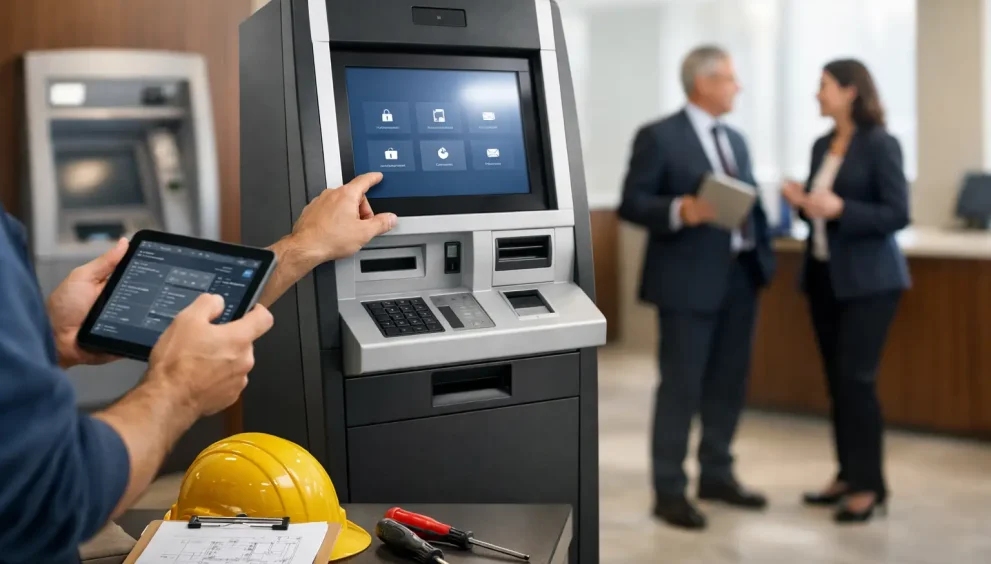
A banking kiosk deployment guide should begin well before equipment reaches a branch, retail site, or remote location. The most expensive deployment problems usually originate upstream: an unclear transaction scope, an unsuitable physical site, incomplete network assumptions, or a service model that was never tested against field conditions. Kiosks can extend access and shift routine activity out of staffed channels, but only when the deployment is treated as an operating program rather than an equipment installation.
For banks, credit unions, fintech operators, and service organizations, the central question is not whether a kiosk can perform a transaction. It is whether the entire chain – customer interface, host processing, identity controls, cash handling where applicable, communications, monitoring, and field support – will perform consistently at scale.
Define the operating model before selecting the site
A kiosk deployment needs a precise definition of its intended role. A lobby unit offering card issuance and account servicing has different requirements from a cash-enabled kiosk in a retail environment. The distinction affects enclosure design, transaction flows, accessibility requirements, security controls, replenishment processes, and the skills needed by first-line support.
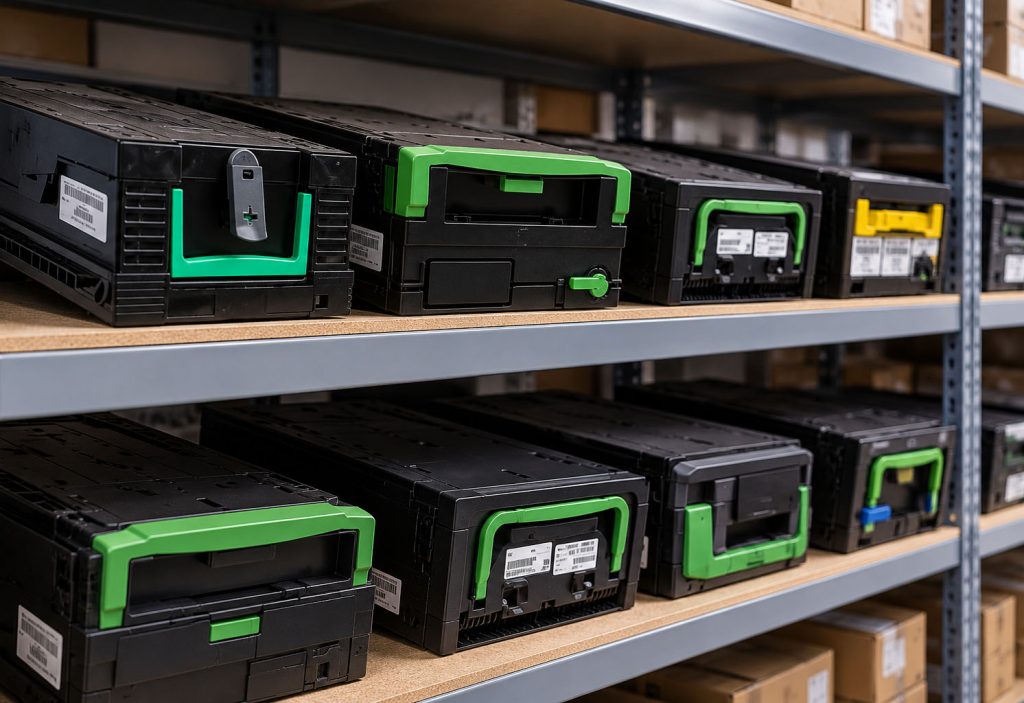
Start with the transactions the institution is prepared to support on day one. This includes not only the customer-facing functions, but also exception paths. If a card is retained, a deposit is disputed, identification fails, a cash recycler reports a cassette issue, or a remote session is unavailable, who owns the next action and what is the expected resolution time?
Scope discipline matters. Many programs delay launch by adding services that depend on separate back-office workflows, document handling rules, or third-party interfaces. A limited transaction set with reliable exception handling is generally a stronger first release than a broad menu that sends unresolved issues to the branch or call center.
The operating model should also establish ownership across the organization. Technology teams may manage the application and network, while facilities controls site readiness, security sets physical standards, and operations owns transaction exceptions. Without a named program owner and a clear responsibility matrix, issues tend to remain open between workstreams until installation week.
Banking kiosk deployment guide: qualify the physical environment
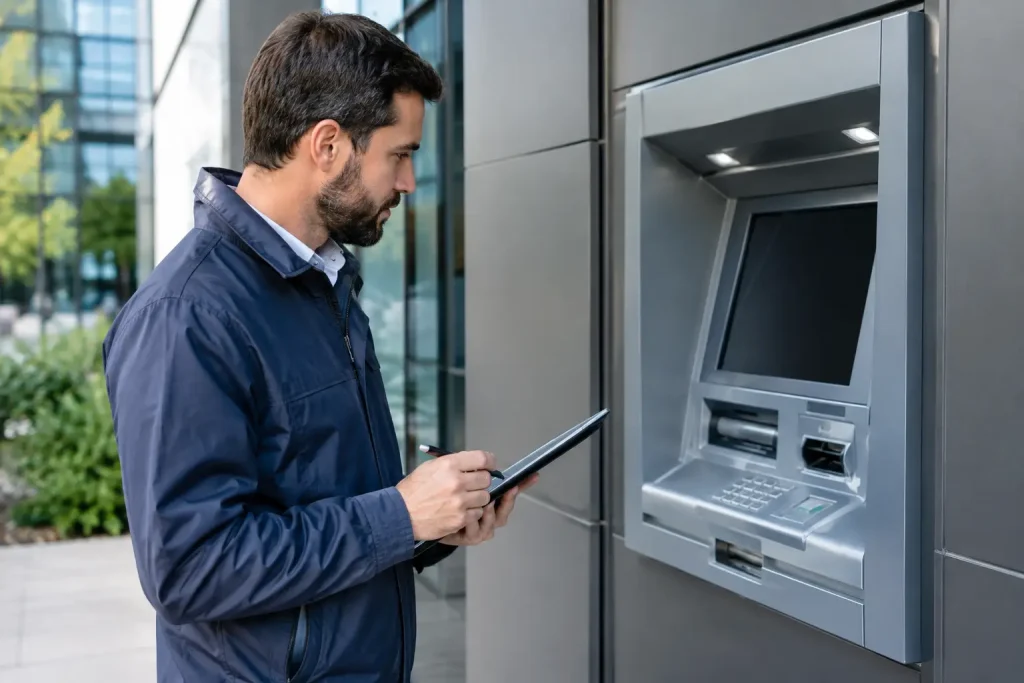
A kiosk is only as reliable as the conditions around it. Site surveys should assess more than available floor space and electrical outlets. Survey teams need to document traffic patterns, line of sight, lighting, cellular conditions if used as a backup path, wall and floor construction, cable routes, HVAC exposure, and access for delivery and service.
Placement has direct effects on uptime and customer behavior. A unit positioned near a staffed entrance may receive quick informal assistance but can create congestion and reduce privacy. A remote vestibule may improve access hours but increases requirements for surveillance, access control, cleaning, lighting, and incident response. There is no universal placement rule; the right decision depends on transaction risk, operating hours, and the institution’s ability to support the location.
Power design deserves particular attention. The equipment load is only one part of the calculation. Teams should verify circuit capacity, grounding, surge protection, uninterruptible power requirements, and whether a power interruption creates a recoverable state for the kiosk and its peripherals. A site may appear ready until a printer, cash module, network device, and display all draw power under operational load.
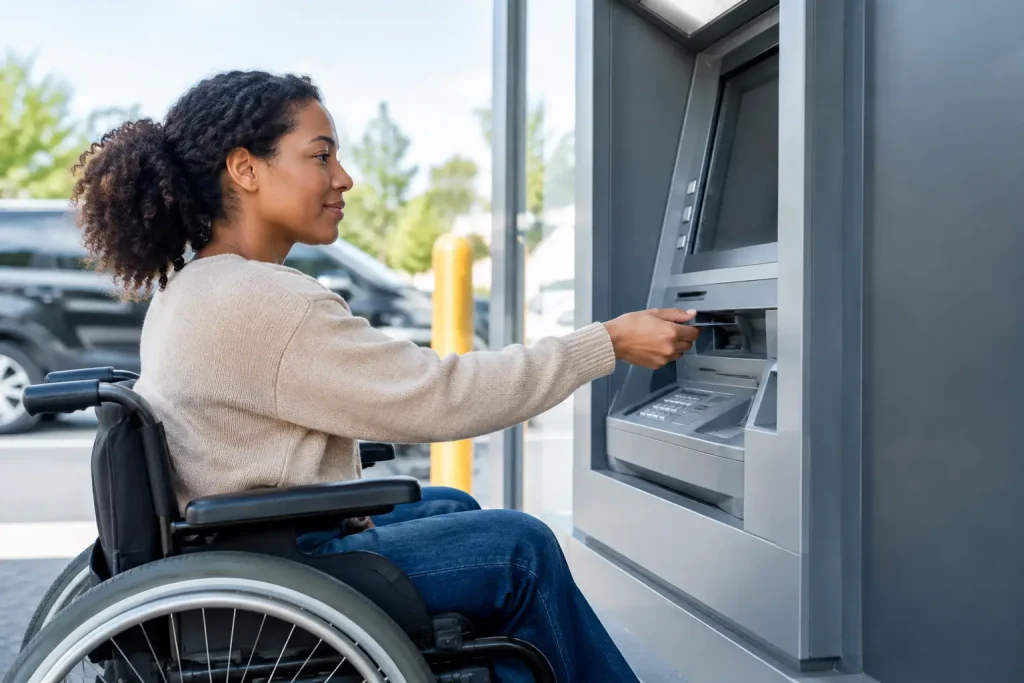
Physical access must work for both customers and technicians. Accessibility is not a final compliance review. Reach ranges, approach clearance, interface height, audio support, screen visibility, and wheelchair turning space should be validated using the actual enclosure configuration. Service access is equally practical: a unit that cannot be opened safely or moved without disrupting a branch will generate longer repair times and higher field costs.
Treat integration as a production dependency
The kiosk application is one element in a wider transaction environment. Depending on the use case, the platform may need to connect to a core banking system, card management platform, customer identity service, document system, payment switch, ATM middleware, CRM tools, remote assistance platform, and monitoring stack. Each connection has its own availability, maintenance window, authentication method, and support boundary.
Integration testing should use realistic production-like conditions, not only happy-path scripts. Test teams need to observe what occurs when a host response is delayed, a customer abandons a transaction, a peripheral reports an error mid-session, a certificate expires, or a remote identity check returns an inconclusive result. The kiosk must present a clear customer message while preserving enough diagnostic detail for operations teams.
Transaction reconciliation requires early attention. For cash-enabled configurations, the institution needs a defined record of what system is authoritative when device totals, host records, and physical inventory do not align. For non-cash workflows, reconciliation may concern card stock, check images, forms, account-opening submissions, or identity-verification outcomes. These processes should be exercised before pilot launch, including the handoff from kiosk alerts to back-office investigation.
Network design should separate kiosk traffic appropriately and apply least-privilege access between devices, applications, and management tools. Redundant connectivity can improve availability, but it also adds operational complexity. A cellular failover path, for example, needs signal validation, carrier management, data-use monitoring, and a clear policy for which transactions may continue when the primary path is down.
Build security controls around the actual threat model
Self-service deployments concentrate physical, digital, and operational risk in one endpoint. Security planning should cover the enclosure, user interface, operating system, remote administration tools, network path, and the people who can access the unit.
Physical controls may include camera coverage, tamper detection, alarm integration, anti-skimming measures where payment cards are accepted, secure anchoring, and controlled access to service areas. The design should account for the local threat profile. A secured branch lobby and an unattended retail location do not warrant identical controls or identical service procedures.
On the software side, establish a hardened baseline before installation. That includes endpoint configuration, application allowlisting where appropriate, patch governance, encrypted communications, certificate management, role-based access, log retention, and documented procedures for emergency credential revocation. Remote support can reduce truck rolls, but it should not become a broad administrative channel with weak oversight.
Security monitoring should be tied to response capability. An alert that does not reach an accountable team, or cannot be distinguished from a routine peripheral warning, has limited operational value. Define alert priorities, escalation paths, evidence retention requirements, and the decision authority for taking a kiosk out of service.
Design service readiness before the pilot
A pilot is not simply an opportunity to collect customer feedback. It is the first full test of the service model. Field teams need accurate asset records, serial numbers, configuration versions, site contacts, access procedures, spare-parts plans, and escalation contacts before the first unit goes live.
Service-level targets should reflect the kiosk’s role. A high-volume location handling cash may require tighter restoration targets and local parts availability than a low-volume branch service kiosk. The cost trade-off is real: aggressive uptime commitments demand more inventory, broader technician coverage, or vendor support arrangements. Institutions should decide which locations justify that cost rather than applying one service tier to every site.
The program should also measure causes, not just outage totals. Repeated printer faults, intermittent network loss, poorly trained branch contacts, or a software issue triggered by a particular workflow require different corrective actions. A common incident taxonomy makes fleet trends visible and prevents operational teams from treating recurring failures as isolated tickets.
Before broader rollout, complete four deployment gates:
- Confirm that all planned transaction types, including exception paths, have passed end-to-end testing.
- Verify site power, communications, accessibility, security, and service access against the approved survey.
- Validate monitoring, remote support permissions, alert routing, and reconciliation procedures in the live environment.
- Run a controlled service event, such as a peripheral fault or communications loss, to test response ownership and restoration timing.
Launch in waves and protect the feedback loop
A phased rollout gives the institution time to correct design issues before they become fleet-wide costs. The first sites should represent meaningful operating conditions, not only the easiest locations. Include variation in branch format, network environment, transaction volume, and customer profile, while avoiding so many variables that root-cause analysis becomes difficult.
During the first weeks, review daily operational data alongside field observations. Availability alone can be misleading. A kiosk may be technically online while customers repeatedly abandon an identity step, staff bypass the intended replenishment process, or a slow host response produces unacceptable wait times. Monitor completed transactions, abandonments, repeat errors, remote interventions, dispatches, consumable use, and customer assistance requests.
Expansion should follow evidence, not a calendar date. When the pilot demonstrates stable transaction processing, manageable service demand, and predictable exception handling, deployment waves can accelerate. If the same issue appears at multiple sites, pause long enough to correct the underlying configuration, process, or training gap. A disciplined pause is less costly than deploying a known defect across dozens of locations.
The most useful final test is simple: ask whether an operator can identify a failing kiosk, understand the likely cause, restore service or dispatch the right resource, and reconcile any affected transaction without improvising. If that answer is clear before each rollout wave, the kiosk program has a practical foundation for growth.